Executive Summary
The latest Codex update for Windows brings autonomous screen, cursor, and individual app control via the Computer Use feature.
Windows Computer Use is presented as a foreground desktop-control mode, while mobile access lets users monitor and manage active Codex tasks remotely.
A new ChatGPT mobile app integration enables users to monitor active workflows and initiate new desktop tasks on the go.
To connect mobile devices, users simply log in to their account, scan a generated QR code, and link their active Windows workstation.
Key Takeaways
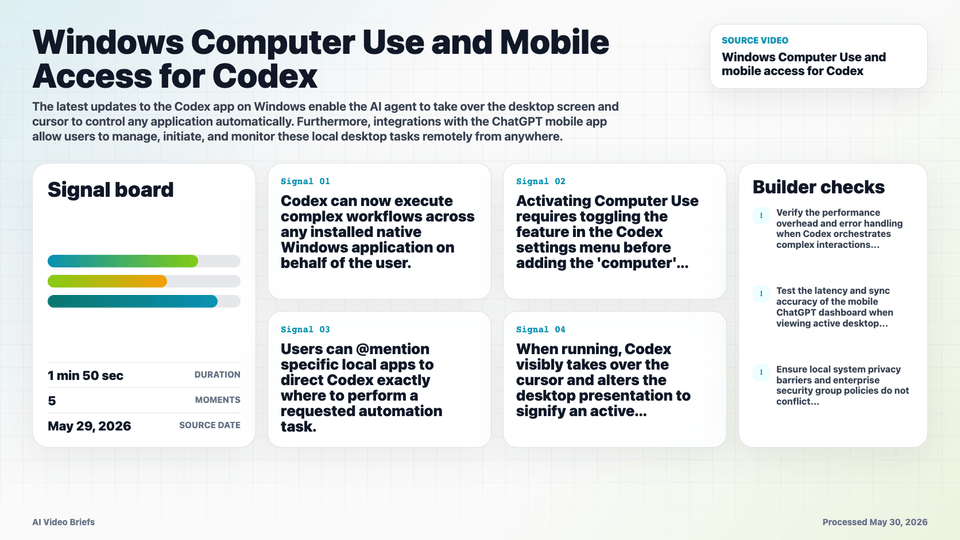
- Codex can now execute complex workflows across any installed native Windows application on behalf of the user.
- Activating Computer Use uses the @Computer mention or a specific application mention inside the Codex prompt, after enabling the feature in settings.
- Users can @mention specific local apps to direct Codex exactly where to perform a requested automation task.
- When running, Codex visibly takes over the cursor and alters the desktop presentation to signify an active automated session.
- Mobile configuration is handled through a new connection icon or settings menu inside the main Codex desktop software.
- Remote management requires the host Windows computer to remain turned on and actively connected to the internet.
- The ChatGPT mobile app on iOS and Android acts as a universal dashboard to supervise ongoing background automation sequences.
Builder Implications
- Developers can design cross-application automated pipelines that interact directly with traditional native Windows desktop software.
- For browser-heavy work, decide whether the task should run through visible desktop control or a separate browser automation path before handing it to Codex.
- The @mention syntax provides builders a direct targeting mechanism to seamlessly orchestrate specific software tools within a conversational script.
- Mobile access capabilities open up patterns for deploying persistent, asynchronous background workers that can be verified and managed externally.
- The physical desktop lock out during active runs highlights the design shift towards decoupled asynchronous operations over real-time pairing.
Things to Verify
- Verify the performance overhead and error handling when Codex orchestrates complex interactions across legacy native apps.
- Test the latency and sync accuracy of the mobile ChatGPT dashboard when viewing active desktop sessions over cell networks.
- Ensure local system privacy barriers and enterprise security group policies do not conflict with remote execution privileges.
- Examine the strict behavior boundaries when switching contexts between the multi-tab Chrome plugin and global Computer Use mode.