Executive Summary
AI agents require a reliable memory layer to accurately personalize recommendations and increase user retention in applications like e-commerce.
The Microsoft Agent Framework allows developers to configure a custom context provider and history provider to automatically track session state.
SQL Server acts as a highly secure, trusted enterprise database backend for storing chat history locally via Docker containers or in the Azure cloud.
The built-in Dev UI tool provides a graphical environment to drop down between agents, view event triggers, inspect traces, and log tool execution.
Key Takeaways
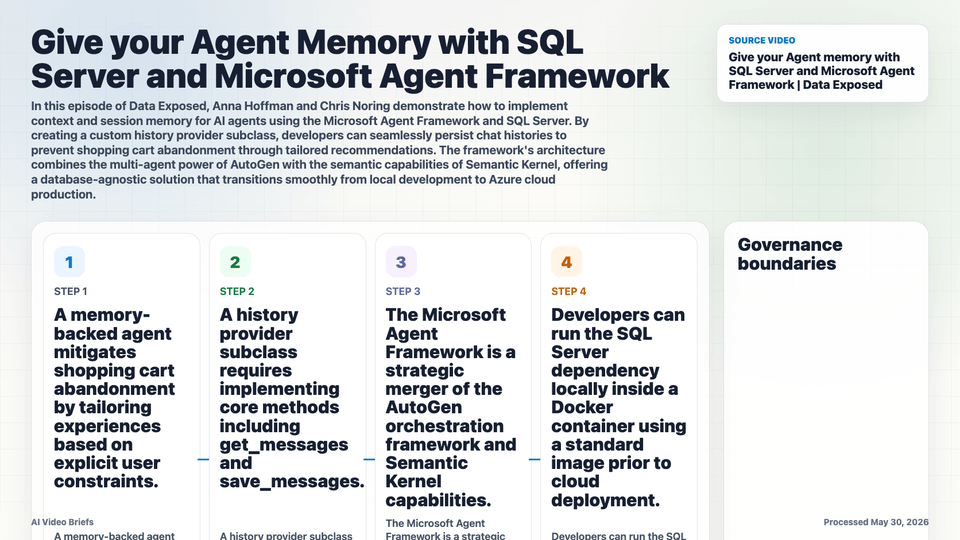
- A memory-backed agent mitigates shopping cart abandonment by tailoring experiences based on explicit user constraints.
- A history provider subclass requires implementing core methods including get_messages and save_messages.
- The Microsoft Agent Framework is a strategic merger of the AutoGen orchestration framework and Semantic Kernel capabilities.
- Developers can run the SQL Server dependency locally inside a Docker container using a standard image prior to cloud deployment.
- The framework automatically manages context loading, abstracting complex state management away from the application code.
- Connection strings can easily switch targets from local instances to production-ready Azure SQL Database instances.
- The native Dev UI is recommended as a day-one tool to visualize real-time agent execution behavior and tool call histories.
Builder Implications
- Subclass the base history provider interface in Python to pipe chat tokens directly to your enterprise database engine.
- Implement session isolation using specific unique session IDs or usernames within your get_messages parameters.
- Utilize standard Python libraries for SQL Server to handle underlying data connections to your localhost container ports.
- Build your initial agent architecture against the local Ollama-backed model path and local SQL Server before moving database connection strings toward Azure SQL.
- Execute the dev UI command locally to monitor execution steps, minimizing troubleshooting time during multi-agent configuration.
Things to Verify
- Ensure the local Docker container for SQL Server is correctly mapped to the identical port specified in the Python database configuration routine.
- Confirm the subclass correctly saves both user prompts and model completions under the matching session identifier.
- Check that your environment variables or local credentials meet security guidelines before transitioning code blocks to Azure functions.
- Verify that proper package dependencies for handling Python database connectivity are fully added into the configuration manifests.