Executive Summary
Model Context Protocol (MCP) provides an open standard allowing AI agents to perform tasks beyond writing code, such as managing issues, interacting with databases, and running tests.
GitHub Copilot CLI includes a built-in GitHub MCP server to natively manage documentation, issues, and pull requests.
New MCP servers can be easily integrated using the /mcp command, supporting both local execution (via npx) and remote hosting (via HTTP URLs).
Connecting specialized MCP servers enables Copilot CLI to autonomously test web interfaces or audit source code based on up-to-date documentation.
Key Takeaways
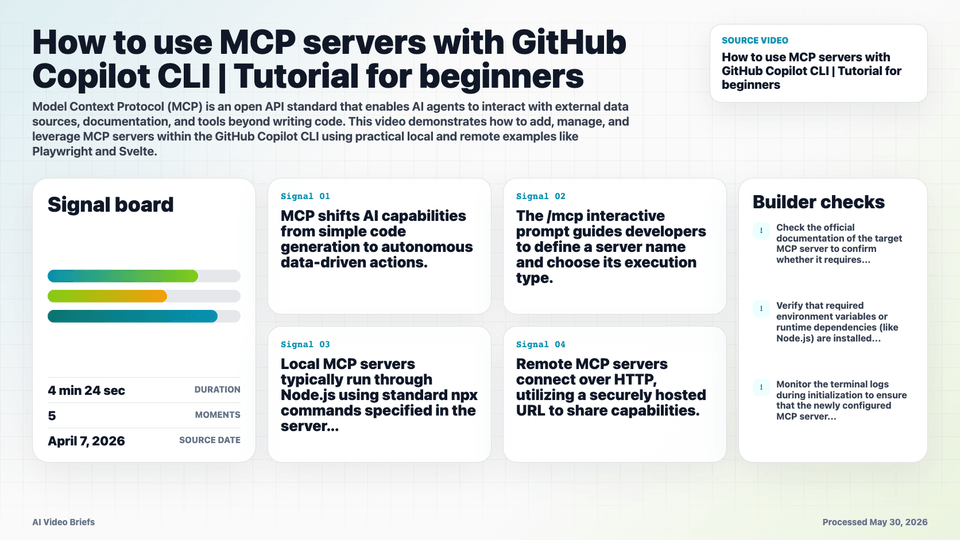
- MCP shifts AI capabilities from simple code generation to autonomous data-driven actions.
- The /mcp interactive prompt guides developers to define a server name and choose its execution type.
- Local MCP servers typically run through Node.js using standard npx commands specified in the server documentation.
- Remote MCP servers connect over HTTP, utilizing a securely hosted URL to share capabilities.
- A Playwright MCP server empowers Copilot CLI to simulate user interactions and validate filtering features on active web apps.
- A Svelte MCP server exposes internal project documentation and automatically flags code implementation issues like key indexing.
- Explicitly declaring the intended MCP server in a prompt ensures the AI assistant uses the exact context required for complex workflows.
Builder Implications
- Run the /mcp command inside GitHub Copilot CLI to extend your AI toolset with specialized domain assets.
- Copy standard npx installation strings straight from open-source MCP repositories to quickly configure local test automation nodes.
- Provide a remote HTTP URL during configuration to securely bind corporate knowledge-bases or centralized APIs directly to your terminal environment.
- Include explicit server targets inside user prompts if you notice the AI failing to cross-reference your specific framework tools.
- Leverage the built-in GitHub MCP server right away to orchestrate issue queues and PR generation without toggling windows to the browser.
Things to Verify
- Check the official documentation of the target MCP server to confirm whether it requires a local npx launch command or a remote HTTP URL endpoint.
- Verify that required environment variables or runtime dependencies (like Node.js) are installed before executing local MCP connections.
- Monitor the terminal logs during initialization to ensure that the newly configured MCP server transitions successfully into an active state.
- Test fallback behavior by querying general coding problems to make sure the CLI smoothly balances broad knowledge with specific MCP tools.