Executive Summary
Microsoft Developer Advocate Julia details the GitHub Copilot CLI, demonstrating headless automation pipelines, cross-model hierarchical fleets, and persistent workspace repository memories.
GitHub Copilot CLI establishes a high-performance workspace context engine natively inside the developer terminal workspace.
The headless mode enables complete pipeline integration, allowing scripts to process single-turn commands silently for automated CI/CD steps.
Hierarchical multi-agent commands break down complex engineering prompts, dispatching specialized sub-agents with independent context windows.
Key Takeaways
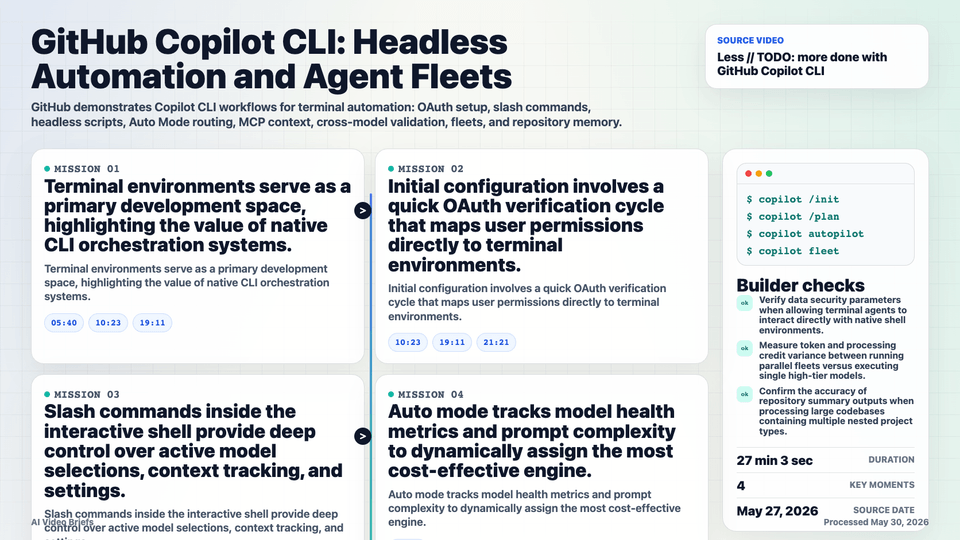
- Terminal environments serve as a primary development space, highlighting the value of native CLI orchestration systems.
- Initial configuration involves a quick OAuth verification cycle that maps user permissions directly to terminal environments.
- Slash commands inside the interactive shell provide deep control over active model selections, context tracking, and settings.
- Auto mode tracks model health metrics and prompt complexity to dynamically assign the most cost-effective engine.
- The custom environment overview surfaces all active Model Context Protocol server links and runtime credentials instantly.
- The platform includes built-in specialized agents tailored out-of-the-box for deep system research and structural planning steps.
- Persistent repository memories build structured, shared logs of key repository details accessible to all workspace contributors.
Builder Implications
- Deploy Copilot in headless mode using clear command arguments to construct automated, daily system updates from live blogs.
- Apply strict destination parameters and tool allow-lists when executing AI terminal processes on untrusted text sources.
- Incorporate the cross-model family validation mode to catch false-positive edge case bugs by marrying distinct engine styles.
- Leverage multi-agent commands to handle long refactoring steps without cluttering the context window of your main tracking instance.
- Activate persistent repository memories to ensure that newly onboarded developers or third-party integrations inherit complete code context.
Things to Verify
- Verify data security parameters when allowing terminal agents to interact directly with native shell environments.
- Measure token and processing credit variance between running parallel fleets versus executing single high-tier models.
- Confirm the accuracy of repository summary outputs when processing large codebases containing multiple nested project types.
- Test the reliability of automatic script execution steps when agents encounter unexpected system permission prompts.